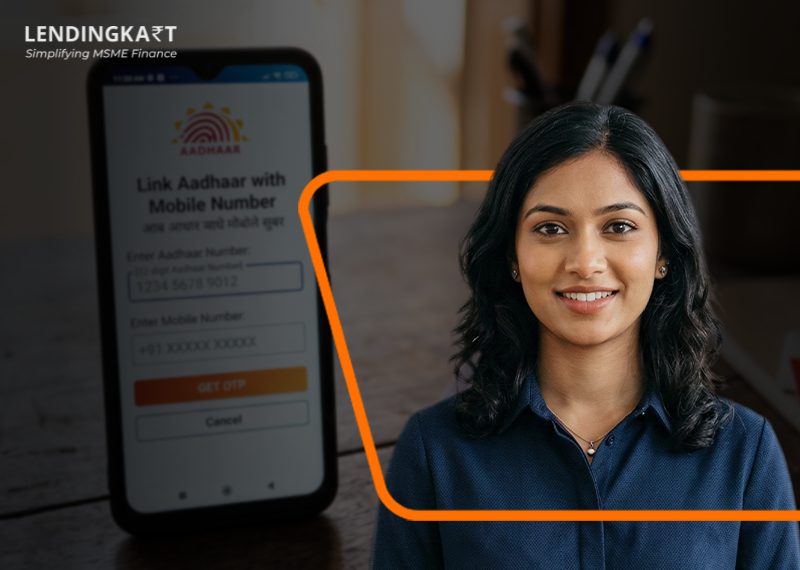
If you’re just looking to verify whether a mobile number has already been registered to your Aadhaar, then this process can be done entirely online through the UIDAI website in less than a minute. Usually, linking/updating your mobile number will be charged ₹75, but if you do it along with a biometric update, it is free of cost.
Aadhaar-mobile linking is one of those small administrative tasks that go unnoticed until they suddenly matter, usually the moment an OTP never arrives while you’re trying to e-verify your tax return, complete a bank KYC, or apply for a loan. Knowing exactly what the process involves and what genuinely can and cannot be done online saves you a missed opportunity and some unnecessary time and effort. This guide explains how to link Aadhaar to mobile number online step by step, how to check if it’s already linked, and what it costs.
How to Link Aadhaar Card with Mobile Number?
UIDAI specifies that mobile number updates are not allowed in online mode in cases where you don’t have access to the old registered number or haven’t registered one earlier. In such cases, you will generally have to visit an Aadhaar Enrolment Centre, Aadhaar Seva Kendra, or an authorised Aadhaar enrolment/update centre to update or link a mobile number with Aadhaar.
At the centre, you fill in the relevant form, undergo biometric authentication, pay the prescribed fee, and receive a receipt with a URN for tracking. UIDAI also mentions that if you have access to the old registered mobile number, you may be able to update through the Aadhaar app using OTP and face authentication.
| Step | What happens |
| Visit the centre | Go to an Aadhaar Enrolment Centre / Aadhaar Seva Kendra / authorised update centre |
| Fill the form | Submit the form for adding or updating the mobile number |
| Biometric / OTP verification | Complete biometric authentication, or in some app-based cases, OTP and face authentication |
| Pay the fee | Pay the prescribed update charge |
| Get URN | Collect the receipt with the Unique Reference Number for tracking |
How to Check if Your Aadhaar is Linked with Mobile Number?
Unlike the linking process, checking Aadhaar-mobile link status is fully online and instantaneous. Go to the UIDAI website, click on ‘My Aadhaar’, and then, under ‘Aadhaar Services’, select ‘Verify Email/Mobile Number’. Enter your Aadhaar number, the mobile number you want to verify, and the captcha and submit. You’ll see immediately whether the number matches UIDAI’s records. The mAadhaar app and UMANG app offer the same check if you’d rather not use a browser.
What are the Benefits of Linking Your Aadhaar with Your Mobile Number?
Linking your Aadhaar to your mobile number is not just a formality. It can have a direct bearing on the smooth conduct of a number of day-to-day financial and government-related processes. Among the key benefits are:
- Instant OTP-based e-KYC for banks, NBFCs, and other financial institutions
- Faster e-verification of income tax returns without needing a physical signature
- Uninterrupted access to Direct Benefit Transfer (DBT) payments and subsidies
- Quick retrieval of a forgotten Aadhaar number or EID through registered mobile
- Smoother authentication for services like mAadhaar and UMANG
For business owners specifically, a correctly linked mobile number also speeds up e-KYC during loan applications, since OTP verification depends entirely on it.
What are the Common Mistakes to Avoid When Linking Aadhaar to a Mobile Number?
A few avoidable errors account for most of the delays people run into during this process, and dealing with them keeps the process to a single visit and a single straightforward online verification.
- Assuming the update can be completed online without visiting a centre
- Turning up without booking an appointment, leading to long waits
- Providing an old or currently inactive mobile number for linking
- Forgetting to collect or note down the URN from the acknowledgement slip
- Not verifying the update afterwards through UIDAI’s online check
Where Can You Link or Verify Your Aadhaar-Mobile Number?
The only place to complete the actual linking is an Aadhaar Enrolment Centre or Aadhaar Seva Kendra, which can be found on the Bhuvan Aadhaar portal. Appointments and the mobile number verification check, however, can both be handled through official government resources:
- UIDAI Official Website: Book appointments, verify mobile number status, and access update forms
- myAadhaar Portal: Manage your Aadhaar profile and check update history
- Bhuvan Aadhaar Portal: Locate your nearest Aadhaar Enrolment Centre or Seva Kendra
Tip: Always use these official UIDAI-linked resources directly, since third-party sites claiming to charge for Aadhaar services or appointment booking are not authorised by UIDAI.
Read More: Guide to Aadhaar Seeding
Conclusion
Linking your Aadhaar to your mobile number is a small compliance step with a genuinely outsized payoff, from uninterrupted OTP access to faster e-KYC whenever you need it. The single centre visit and short processing wait are a fair trade for not being stuck without an OTP at an inconvenient moment.
For business owners and MSMEs, this becomes especially relevant during loan applications, since e-KYC verification depends on OTPs being delivered to an active, correctly linked number. At Lendingkart, we rely on Aadhaar-based e-KYC to keep our collateral-free business loans and working capital loans quick to process, so a properly linked mobile number can mean the difference between an instant verification and an avoidable delay when your business needs funds.
FAQs
- Is it possible to update a different mobile number to my Aadhaar card?
Yes, you can update your mobile number on your Aadhaar card at any time of day by visiting an Aadhaar Seva Kendra or Aadhaar Enrolment Centre and undergoing biometric verification.
- How many mobile numbers can be added to an Aadhaar card?
You can link only one mobile number; adding another will replace the old one.
- Can I attach my mobile number to another family member’s Aadhaar card?
No, the mobile number must belong to the original Aadhaar card holder because an OTP is used to verify the original user.
- Why am I not receiving an OTP on my Aadhaar-registered mobile number?
You likely haven’t updated your Aadhaar with your latest or active mobile number, and you can quickly confirm this through UIDAI’s online check.
- What is the deadline to link Aadhaar with a mobile number?
There is no last date for the general public, but it is mandatory when taking any benefit under the DBT scheme, receiving subsidies, or using any Aadhaar service that is OTP-based.
Related Articles
India Credit Deposit Ratio Explained